
Never lose a warm conversation.
Follow-Up Companion helps you find inquiries that were left pending, remember what each customer needed, and pick the conversation back up at the right time to recover sales opportunities.
Built for sales and support teams on WhatsApp, Instagram, and Facebook today — and any channel tomorrow. No card required.
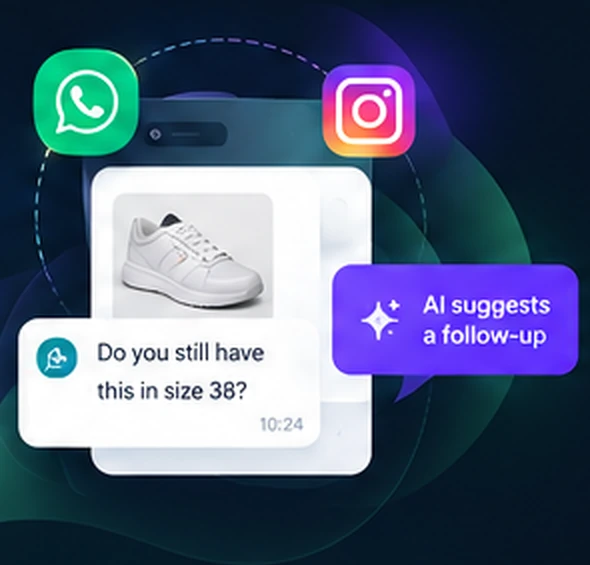
01 / Attention
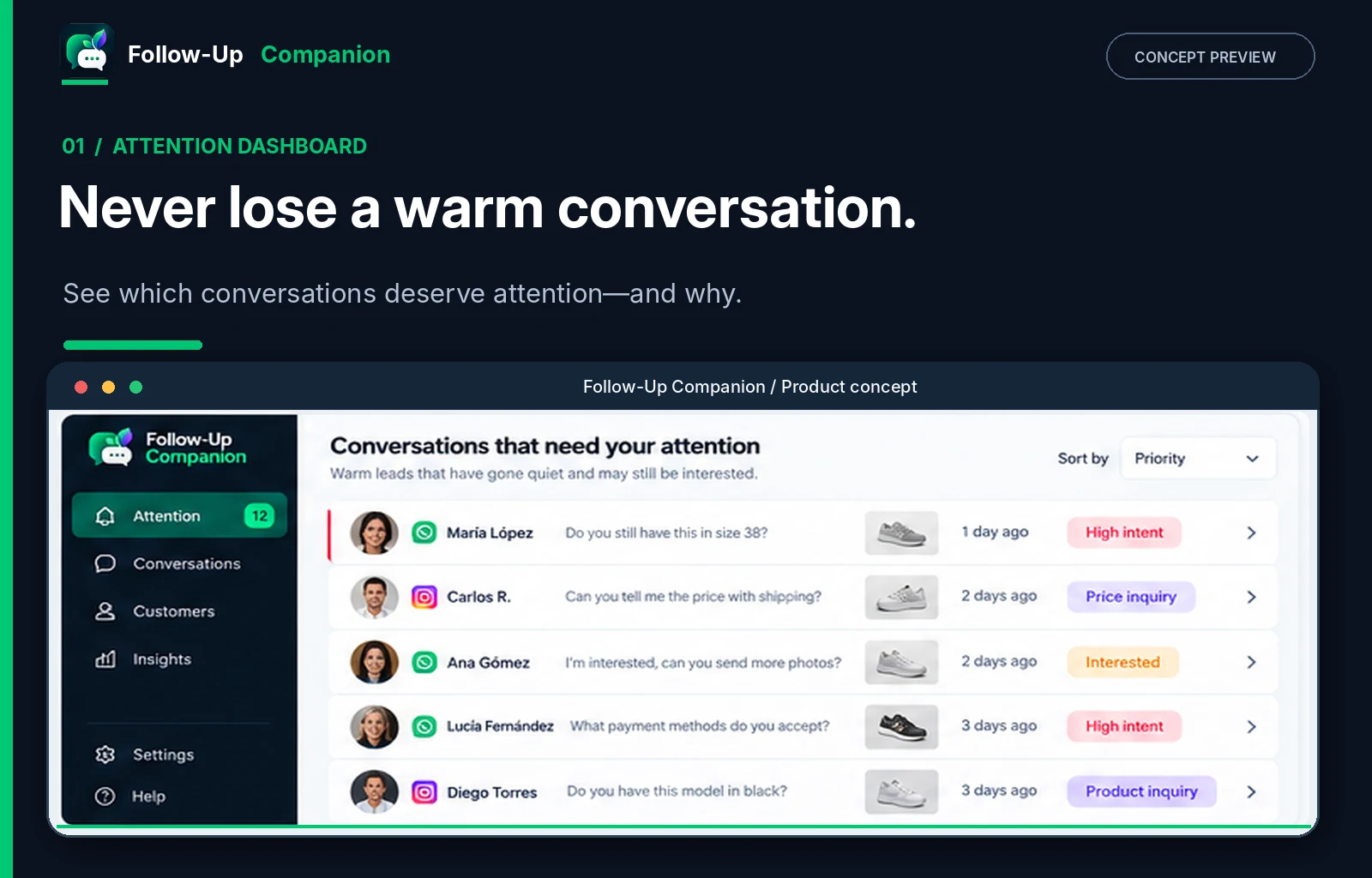
Know which conversations deserve attention.
Spot conversations where purchase intent has stalled. See what the customer needed, why the conversation matters, and where a timely response could help.
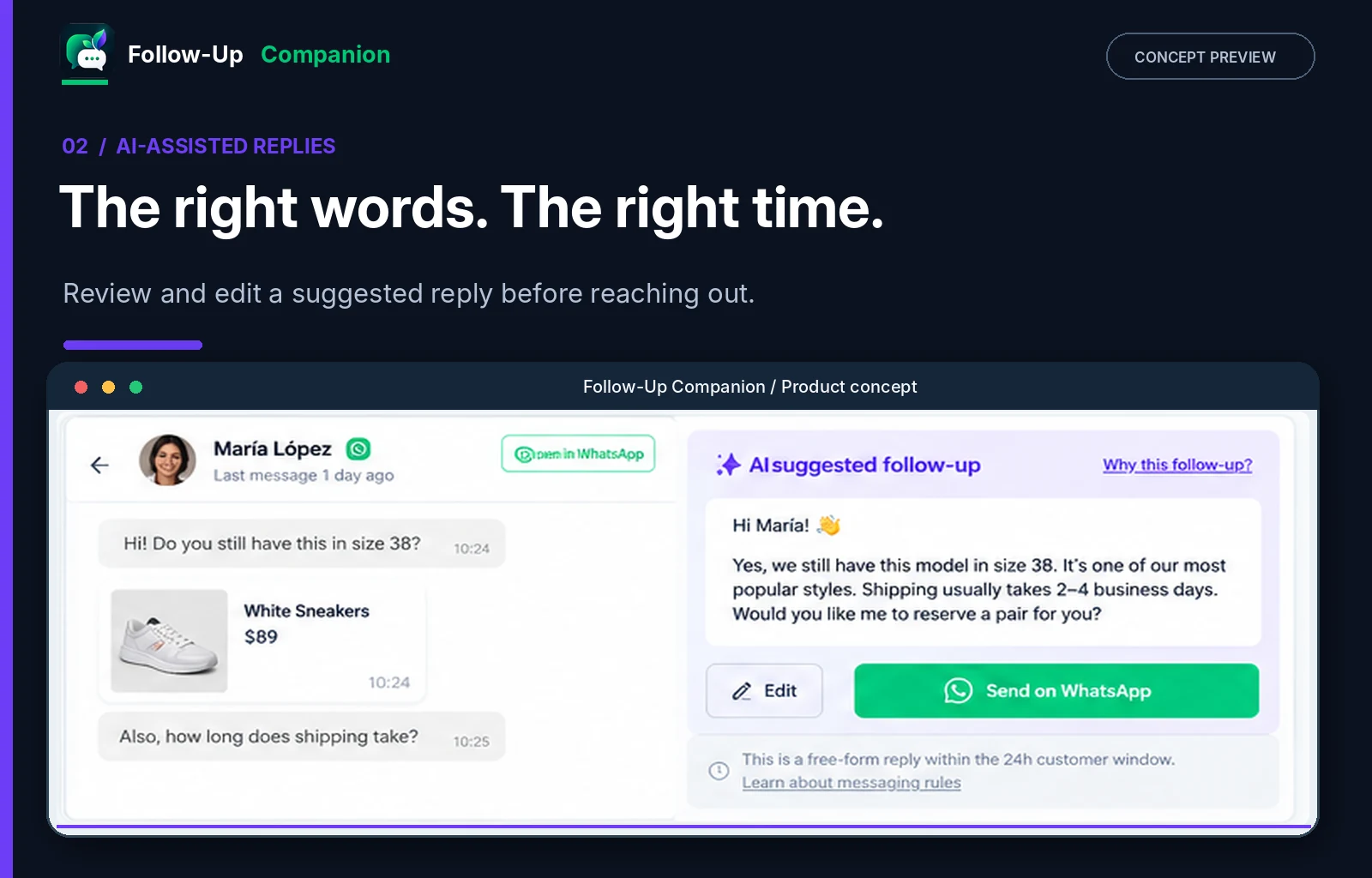
02 / AI-assisted follow-up
The right words, at the right time.
Get follow-up suggestions grounded in the actual conversation. Review the context, refine the message, and keep control of what gets sent.
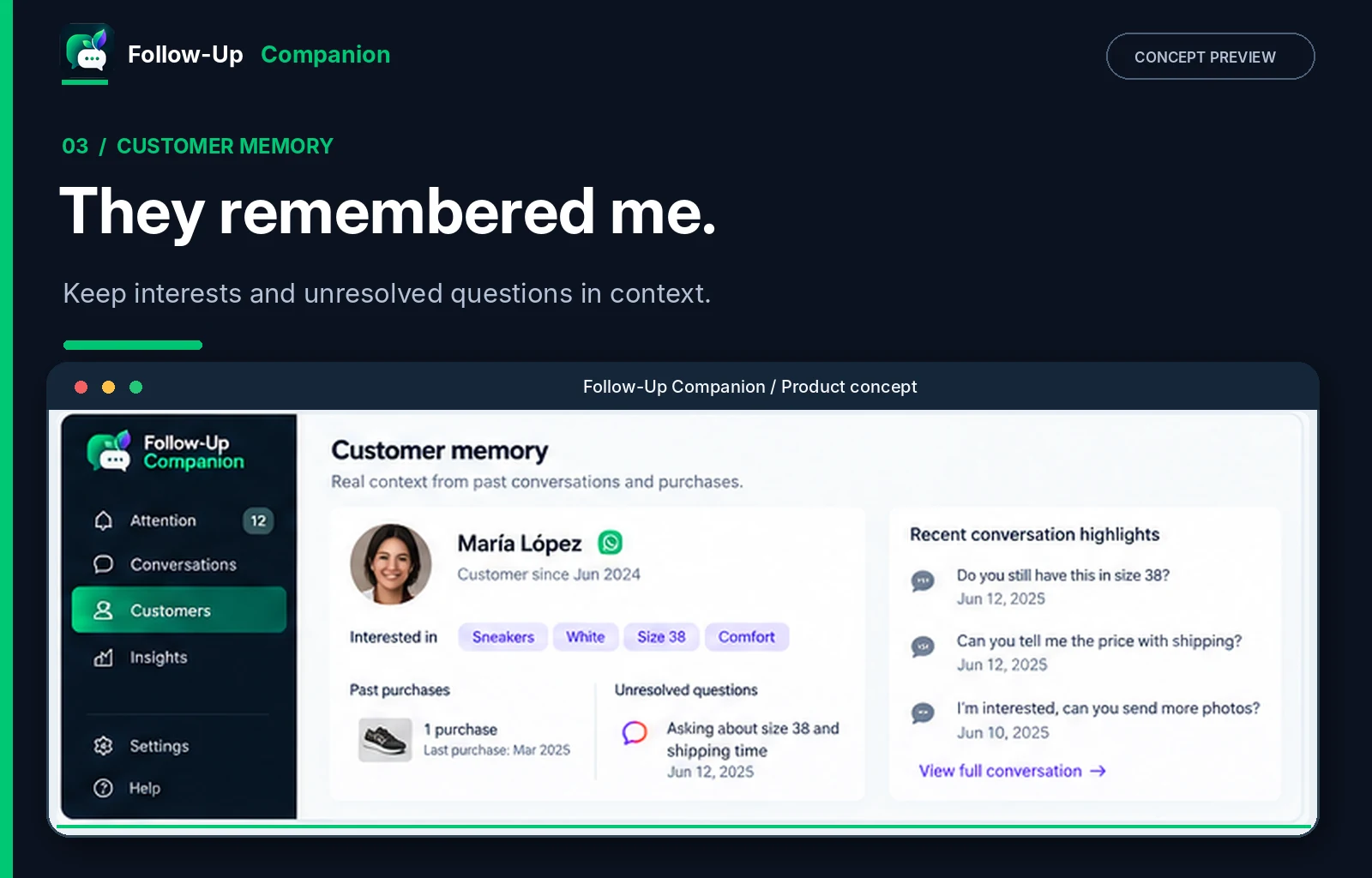
03 / Customer memory
They remembered me.
Remember customer interests, product questions, previous conversations, and unresolved needs—without asking your team to maintain a traditional CRM.
04 / Respectful follow-up
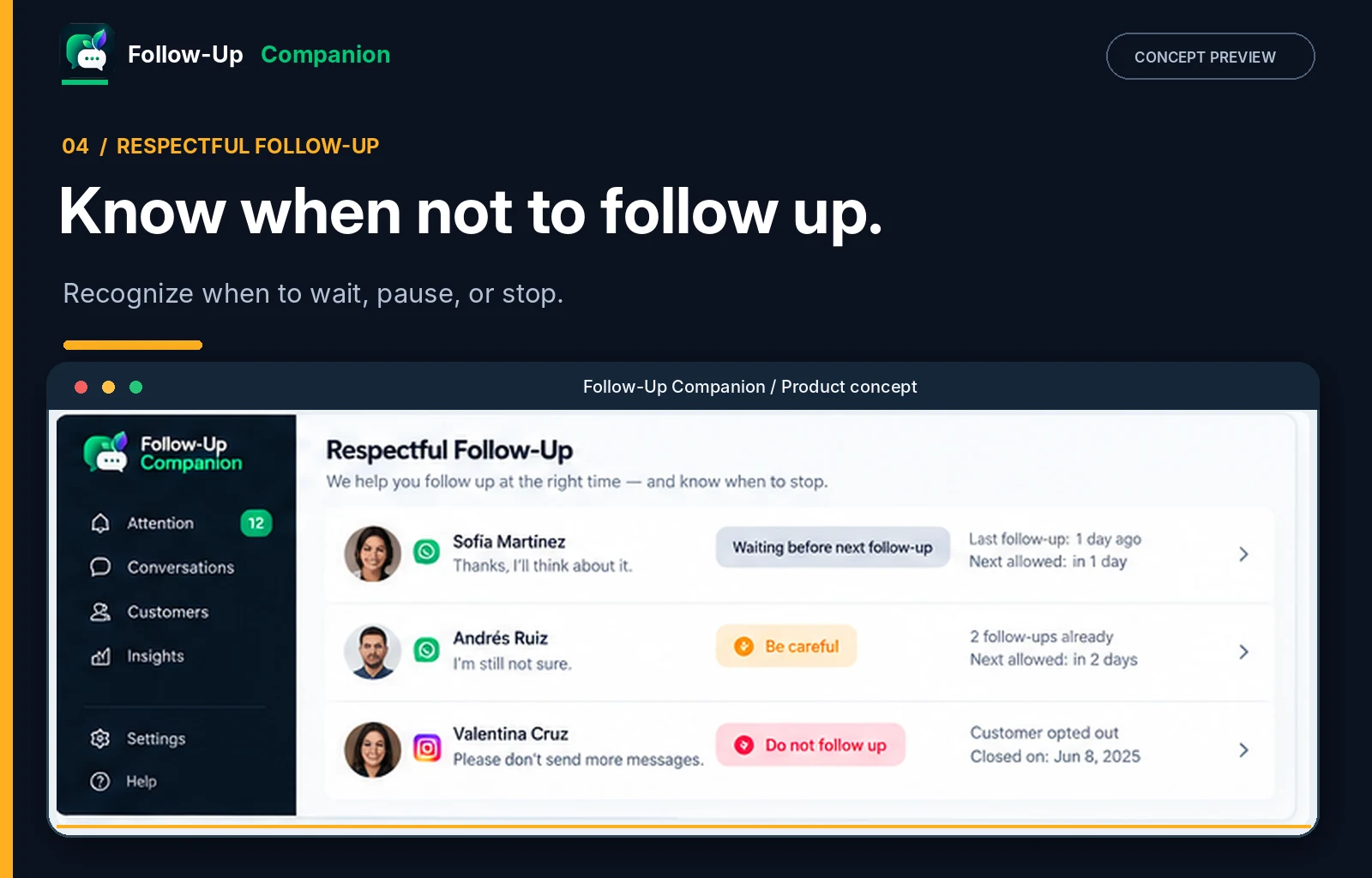
Know when not to follow up.
Not every conversation needs another message. Recognize when to wait, proceed carefully, or stop—protecting customer trust while recovering genuine opportunities.
- Proceed after review
- Wait or use caution
- Stop outreach
One place to answer “who still needs a reply?”
- Triage without a spreadsheet. The queue counts what is open, waiting, and resolved, so shift handovers stop relying on memory.
- Act in one or in bulk. Follow up on a single conversation or clear a batch, then resolve the ones that are finished.
- Review the work. Recent activity shows what was sent, when, and by which operator.